Done for you
Our team designs it, builds it and looks after it
- A written quote before any work starts
- A first version to click through, early on
- Hosting, updates and backups handled by us
- One person answers for the work, start to finish
English · Español
Call (350) 353-6648Your mission, clear on a phone. Easy to trust. Easy to join.
A non-profit’s website has to earn trust quickly. It says what you do in one sentence, shows donors how to check you, and makes it easy for a volunteer to raise a hand. We build it, host it and keep it up to date, so nobody on your board has to learn how.
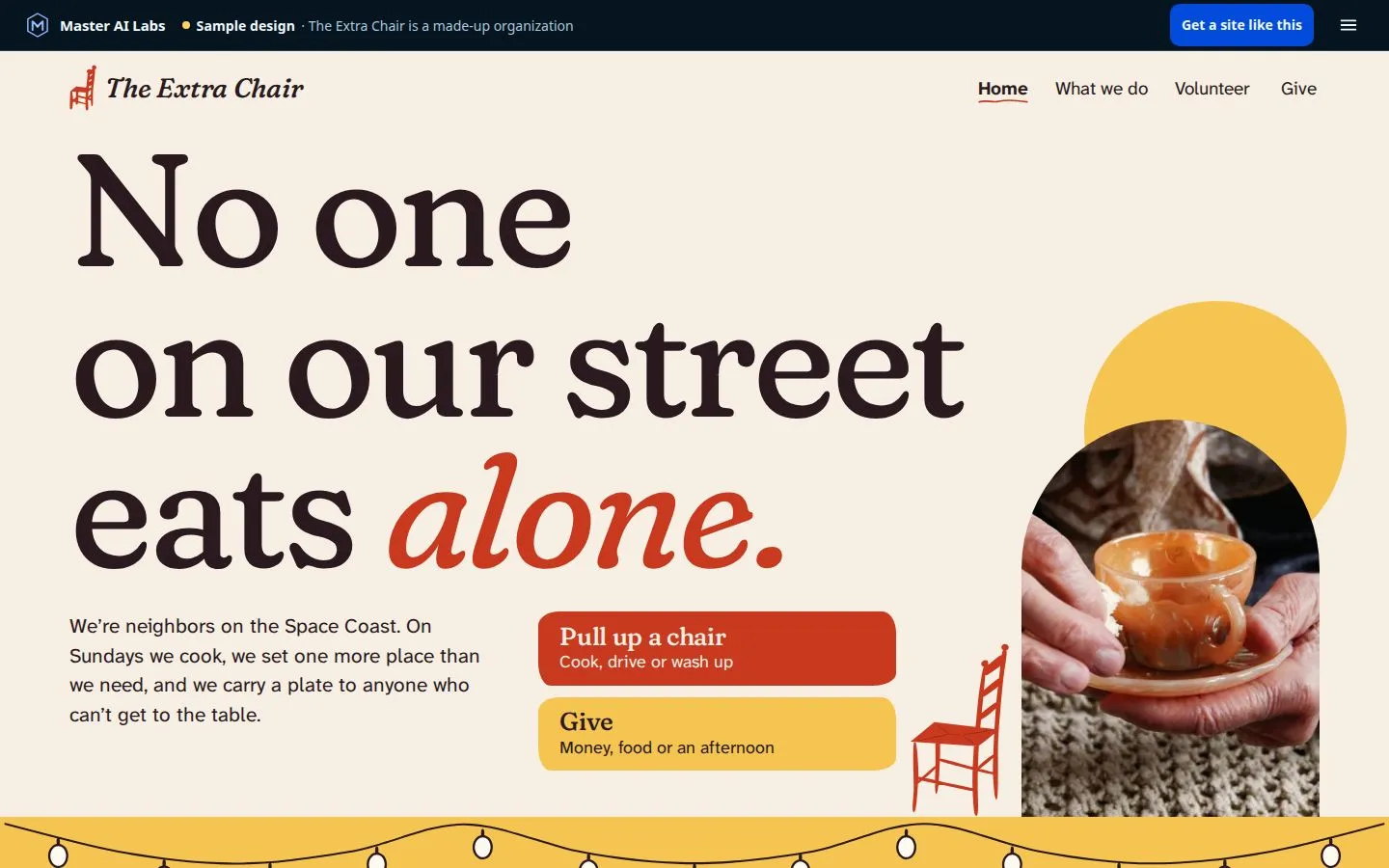
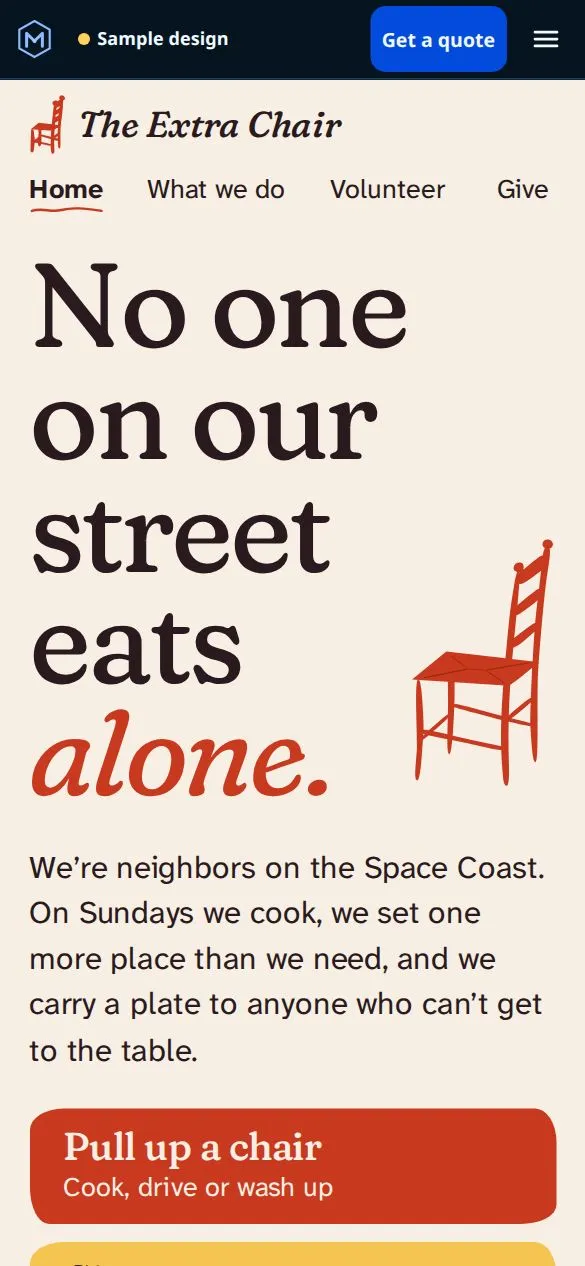

Sample design. The Extra Chair is a made-up organization, its phone number is a fictional 555 number, and the photos are licensed stock photos. See all ten samples.
Rather build it yourself? Try Atlas Web, our AI website builder
What it needs
Six things we build into every non-profit site, and why each one matters to the neighbor, donor or volunteer reading it.
Who you help, where, and how, in one plain sentence at the top of a phone screen. People meet you through a link a friend sent, so the first screen has to do the explaining. Your history can wait.
What you need, when, and how long it takes, with a short form that reaches the person who answers. Nobody should have to call around to give you a free Saturday.
Your status, your board, your annual report and your Form 990 in one calm place, with links to the state’s and the IRS’s own lookups. We only show what’s real, so a section you don’t have yet simply isn’t there.
A board member sends us one email in plain words and we make the change. One content change a month is in the plan, such as a new event or a new board member. Nothing to log in to and nothing to learn.
Readable type, strong contrast, real labels on forms, and pages that work with a keyboard or a screen reader. We test every page with the same accessibility checks we run on our own site, aimed at WCAG 2.2 AA.
Most small non-profits have no one looking after the website. The sites we build have no plugins to patch and no login page for strangers to guess at. Hosting, security updates and backups are on us, every month.
Florida rules
If your website asks for donations, Florida’s Solicitation of Contributions Act has a say in what the page shows. Your site should get this right from the first day.
General information, not legal advice. Rules change: check what applies to you with the Florida Department of Agriculture and Consumer Services, the IRS or your attorney.
How it works
One email from anyone on the board: who you serve, what you need people to do on the site, and the link to your old website if you have one.
A plain-English plan for the pages and a written price your board can read. Nothing starts until you say yes.
A working preview your board can open on their own phones. See your site before you pay. Don’t love it? You owe nothing.
Secure hosting, security updates and backups are on us, with one content change a month included.
Done for you
Do it yourself
Describe your business in one sentence. Atlas Web writes the words, designs the pages and adds the images. Then you change anything just by asking, in English or Spanish.
Questions
Straight answers. If yours isn’t here, just ask.
Other trades
Yes, through the giving page you already use. We add a clear Give button that opens it and put Florida’s required statement where it belongs. We don’t process donations or hold your money.
We don’t work on WordPress, ever. We rebuild your site with our own tools: we keep your words, your photos and what works, and the plugins and the updates go away.
Yes. They email us what to change in plain words and we do it. One content change a month is included. If your team would rather make changes themselves, Atlas Web, our website builder, lets you change a page just by asking.
No one can honestly promise that. What we can do is leave out what usually gets attacked: there are no plugins to patch and no login page on the public site. We host it on our secure servers and take care of security updates and backups every month.
We build to the WCAG 2.2 AA guidelines and test every page with automated accessibility checks and by hand on a phone. No website can promise it meets every law for every visitor, so we don’t, and we fix what you or your visitors find.
Yes. Your words, photos and the messages people send you stay yours, and we never sell or share them. Master AI Labs keeps the code and the design it builds and hosts. Your signed agreement says exactly what is whose.
Every website job gets a written quote before any work starts, and our website price guide shows our real price ranges. Tell us what you need and you get a plain-English plan and your exact price, usually within a few hours and always within one business day.
Yes. Atlas Web, our AI website builder, makes a site from one sentence about your organization, and you change anything just by asking, in English or Spanish. You start with 500 free credits, no card needed, and you preview every page before you pay. If you would rather not do it yourselves, we build it for you.
Ready when you are
Tell us about your organization. We usually reply within a few hours, and always within one business day, with a plan and a written quote. Nothing starts until you say so.
Prefer to do it yourself? Build your site with Atlas Web, our AI website builder.